Both can ring up groceries — but one was built from the ground up for grocery, and the other was designed as a general-purpose system that happens to serve retail.
Here's a breakdown of pricing, features, and what real grocery store owners experience with each.
Last updated: February 2026
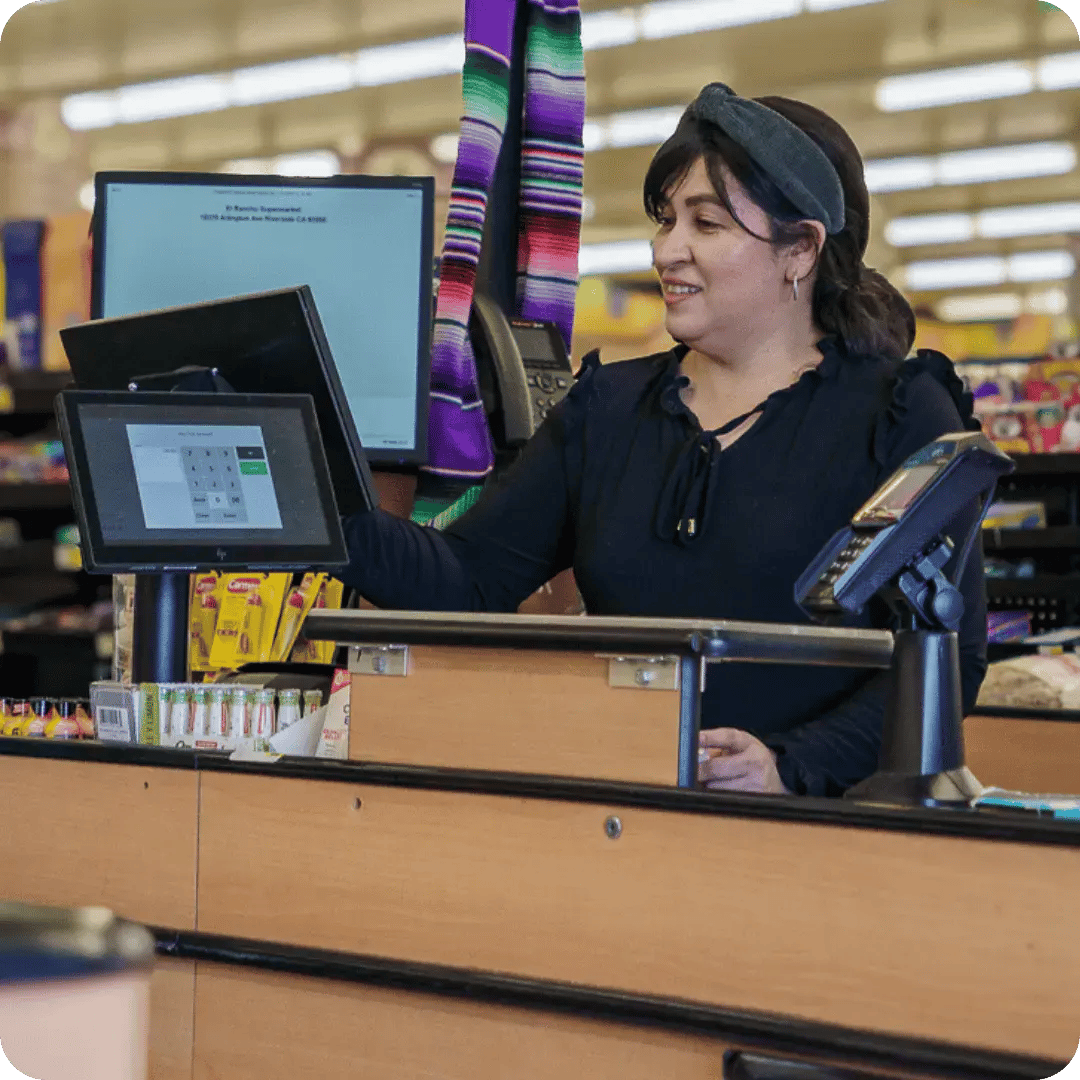
Clover's entry price looks attractive — $29.95/mo for Essentials. But most grocery stores need features that push the real cost much higher:
A realistic Clover setup for grocery: $250+/mo — before processing fees, hardware, and additional staff logins. You're also tied into a 36-month contract.
IT Retail: $49–$99/mo with scales, EBT, eWIC, loyalty, e-commerce, self-checkout, and 24/7 support included. No add-on apps required.
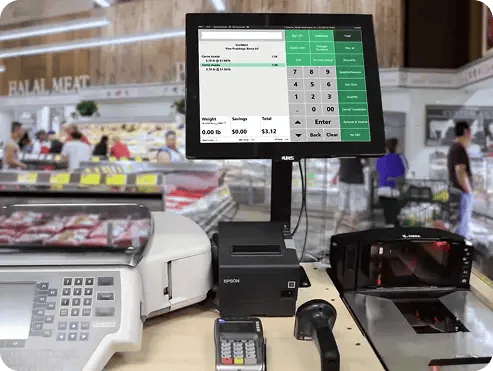
Get the full scoop on how IT Retail's pricing, features, and support stack up against Clover's offerings.
* Please contact us if this page contains inaccuracies or needs an update.

Self-checkout kiosks provide shoppers with speed and convenience while keeping checkout lines as short as possible.
A cloud-based POS system lets you monitor and manage your store at any time, from anywhere.
Migrating to a new POS means moving thousands of SKUs, configuring departments, and training staff. How much of that your new provider handles for you can make or break the switch.
Getting locked into a multi-year contract limits your flexibility and can cost you if the system isn't the right fit.
An integrated app store lets you easily add new features and functions to your POS system.
A low stock alert is a timely reminder to restock a popular product before it runs out.
Understanding your overall sales trends and customers’ changing shopping habits is the key to grocery store success. Your POS system’s reporting suite should reveal this data and more.
A custom product menu eliminates the clunky search process and makes it easy for cashiers to ring up non-scannable items like produce or quick-service meals.
Label printing is an essential grocery POS feature for keeping items organized and fresh.
Deli scale integration is a must-have if your grocery store sells produce, meats, cheeses, or bulk items like granola by weight.
The online grocery boom is here to stay, and your POS system should help you capitalize on this growing trend.
Accepting eWIC can expand your customer base and make it convenient for eWIC recipients to shop with you.
Inventory shrinkage costs grocery stores thousands each year. The right tools help you catch it early.
Especially in a high-volume setting like a grocery store, payment processing fees can add up to a huge line item in your budget. Fortunately, dual pricing lets you save on these costs by offering special discounts to customers using cash.
A POS system with mobile functionality makes it easy to count and adjust inventory from the sales floor.
A grocery POS system that integrates directly with wholesalers can save you 10+ hours every week. Instead of manually checking your wholesaler’s prices and inventory availability, your POS system will automatically update to give you an accurate overview of your options.
Launching a customer loyalty program is one of the most effective marketing strategies for small business grocers. Your POS system should make it easy to manage your program, customize your rewards structure, and enroll new members.
Managing staff schedules, permissions, and performance from your POS saves time and reduces errors.
Self-checkout kiosks provide shoppers with speed and convenience while keeping checkout lines as short as possible.
A cloud-based POS system lets you monitor and manage your store at any time, from anywhere.
Migrating to a new POS means moving thousands of SKUs, configuring departments, and training staff. How much of that your new provider handles for you can make or break the switch.
Getting locked into a multi-year contract limits your flexibility and can cost you if the system isn't the right fit.
An integrated app store lets you easily add new features and functions to your POS system.
A low stock alert is a timely reminder to restock a popular product before it runs out.
Understanding your overall sales trends and customers’ changing shopping habits is the key to grocery store success. Your POS system’s reporting suite should reveal this data and more.
A custom product menu eliminates the clunky search process and makes it easy for cashiers to ring up non-scannable items like produce or quick-service meals.
Label printing is an essential grocery POS feature for keeping items organized and fresh.
Deli scale integration is a must-have if your grocery store sells produce, meats, cheeses, or bulk items like granola by weight.
The online grocery boom is here to stay, and your POS system should help you capitalize on this growing trend.
Accepting eWIC can expand your customer base and make it convenient for eWIC recipients to shop with you.
Inventory shrinkage costs grocery stores thousands each year. The right tools help you catch it early.
Especially in a high-volume setting like a grocery store, payment processing fees can add up to a huge line item in your budget. Fortunately, dual pricing lets you save on these costs by offering special discounts to customers using cash.
A POS system with mobile functionality makes it easy to count and adjust inventory from the sales floor.
A grocery POS system that integrates directly with wholesalers can save you 10+ hours every week. Instead of manually checking your wholesaler’s prices and inventory availability, your POS system will automatically update to give you an accurate overview of your options.
Launching a customer loyalty program is one of the most effective marketing strategies for small business grocers. Your POS system should make it easy to manage your program, customize your rewards structure, and enroll new members.
Managing staff schedules, permissions, and performance from your POS saves time and reduces errors.
IT Retail includes AI-powered tools designed to cut down on two of the most tedious tasks in running a grocery store.
Smart invoice import: Snap a photo of a paper invoice or upload a PDF, and IT Retail digitizes it automatically. No manual data entry — even handwritten invoices. A game-changer for stores that work with small vendors who aren't on EDI.
Smart missing item suggestions: When a product doesn't scan at checkout, IT Retail logs it, matches the UPC against a database of 1M+ products, and suggests the correct name, department, and pricing. Add it to your system in one click.
Clover doesn't currently offer either of these features.
.webp?width=669&height=522&name=New%20Project%20(1).webp)

Comparison pages can only tell you so much. The best way to know if a POS system works for your store is to see it handle your products, your workflow, your day-to-day.