National Retail Solutions (NRS) is a well known point of sale (POS) provider that caters to all corners of retail including gas stations, general retailers, and grocery stores.
IT Retail has over 30 years of experience working exclusively with grocery stores, markets, delis, and supermarkets.
Here’s everything you need to know about how the two compare.

NRS offers affordable systems to a wide range of industries including liquor stores, general retail, and food shops. Their systems are highly modular, with the ability to choose exactly which features you want.
However, because NRS isn’t built exclusively for grocery, adding grocery-specific features like advanced inventory tracking, vendor management, scale integrations, and customer loyalty require paid add-ons.
IT Retail works exclusively with grocery stores and food markets. It comes out of the box with perishable inventory tracking, weight-based sales, custom SKU support, and other grocery-specific features. While it has a slightly higher learning curve than a general retail system, it also provides a more detailed, holistic view of inventory and store operations.
Here’s how IT Retail and NRS compare head to head.
*See something that needs updated? Let us know!
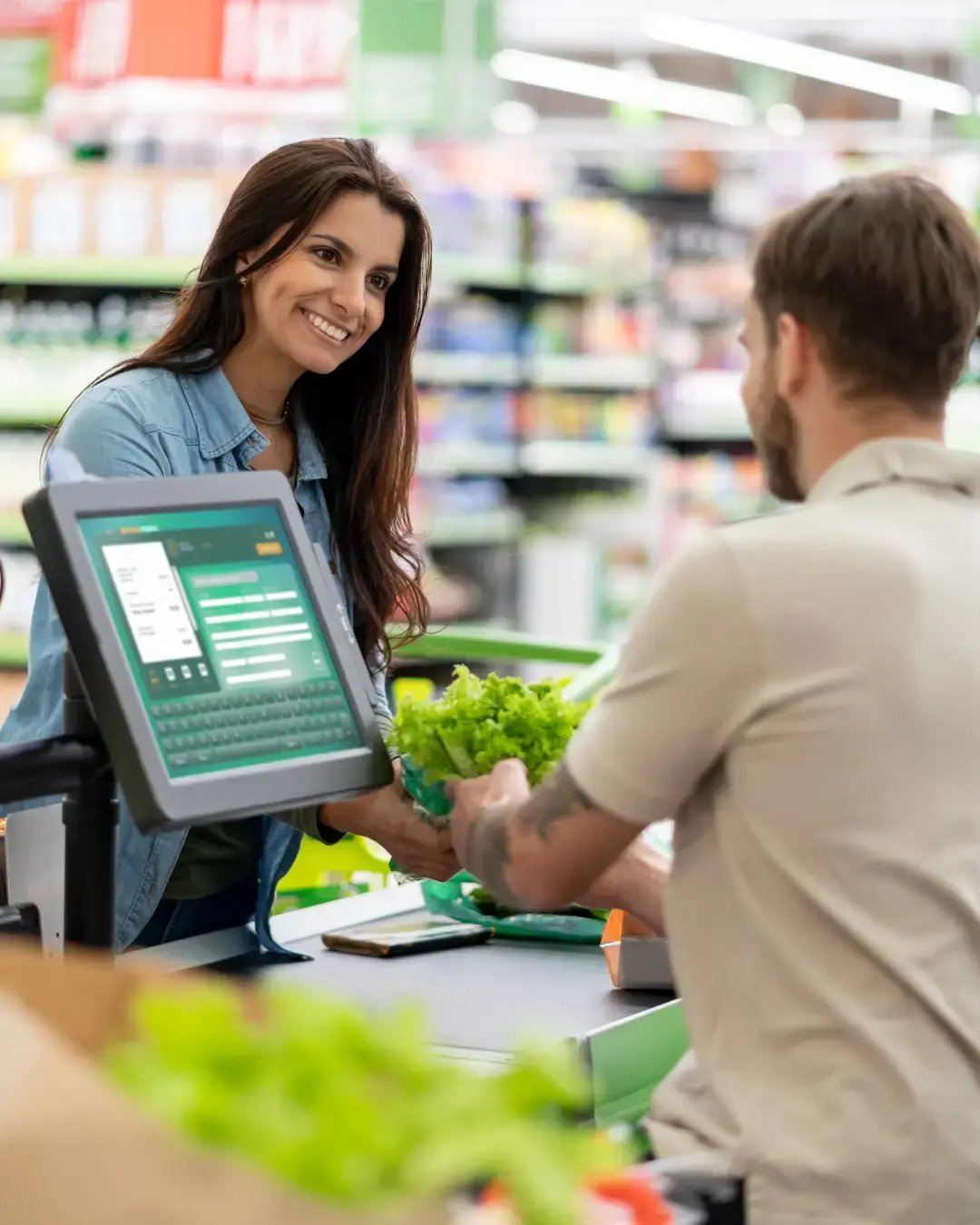
Self-checkout kiosks provide shoppers with speed and convenience while keeping checkout lines as short as possible.
Grocery-specific inventory management lets you track perishable inventory, wholesale costs, and weight-based pricing.
A customer loyalty program allows customers to earn points. It's also how you manage co-op memberships.
Security cameras can be connected to the POS system to match specific transactions to camera footage.
Send text messages to customers who opt in.
E-commerce integrations let you sell products via a webstore or third-party apps like DoorDash or Instacart.
Reporting tools help you track things like sales, department-level trends, spoilage, and more.
Vendor management allows you to enter vendor information and tie them to inventory entries, helping you track costs and generate POs.
Age verification prompts cashiers to check ID for age-restricted products and/or scan customer IDs to verify their age.
Onboarding support refers to the help you get to set up your POS system, create or migrate your inventory, and train on the system.
Support that is available for technical issues or if you need additional training.
AI invoice scanning lets you upload a PDF or take a picture of a paper invoice and digitize that item instantly.
Custom promotions give store owners flexible offers for setting up buy one, get one (BOGO) offers, mix and match deals, discounts, and more.
EBT payment integration lets you take payments for people on SNAP benefits.
eWIC payments allow people using Electronic Women, Infants, and Children benefits to pay on your system.