
Pricing

POS hardware for your grocery store

See which scales, scanners, and PIN pads work with IT Retail, and build a hardware bundle that fits your store.

Grocery-ready equipment, from the deli to the register

Standard retail hardware may cover the basics, but grocery stores also weigh, label, and reprice items all day long. Here’s the hardware IT Retail offers for each part of your store.

DELI COUNTER

Scales and deli printers

Weigh produce at the register and meat and cheese at the deli counter, then print labels that scan right at checkout.

REGISTER

PIN pads and payments

Take EBT, tap-to-pay, chip cards, and swipes on PIN pads that connect to IT Retail, so totals send straight to the card reader.

SALES FLOOR

Handhelds and label printers

Count stock, receive deliveries, and change prices from the aisle with a handheld, then print new shelf labels right at the shelf.

Choose the hardware your store needs

See the details on each device, then build a hardware bundle that fits your setup.

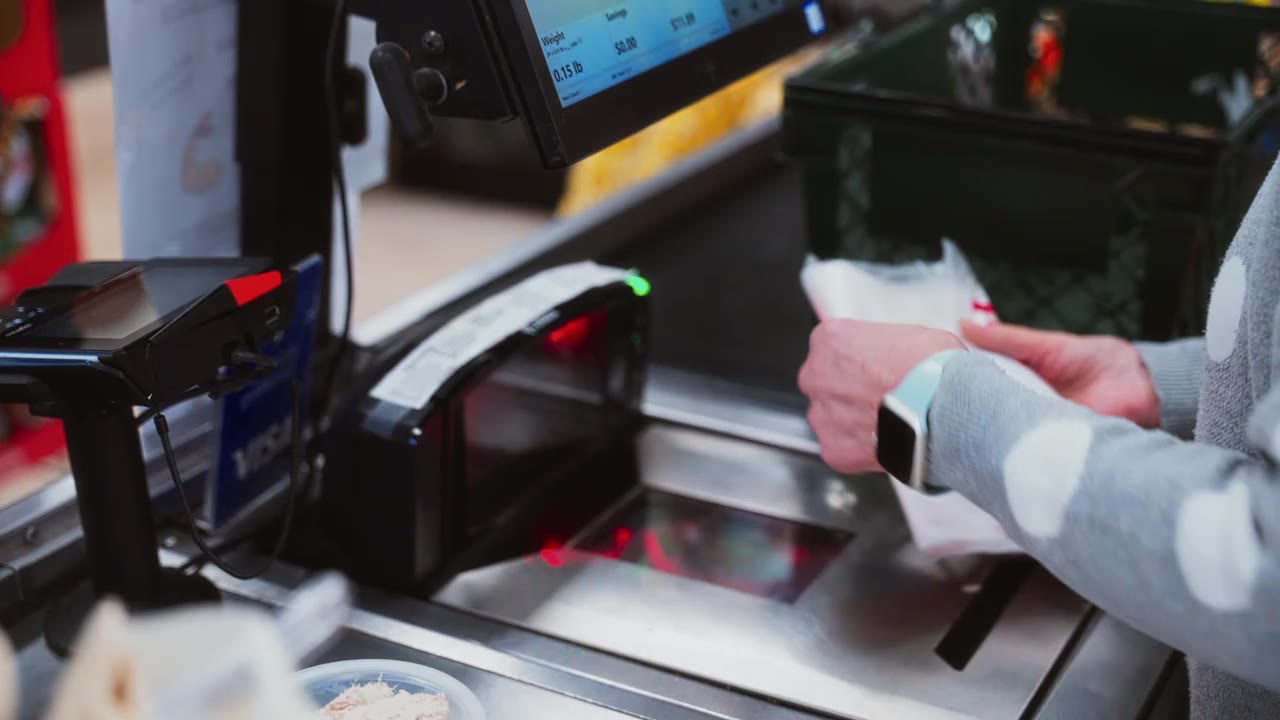
  • Scanner scale

    Scanner scale at a grocery checkout

    Scan and weigh at checkout

    Scan packaged groceries and weigh loose produce in one spot with Zebra and Datalogic scanner scales, so cashiers never key in weights by hand.

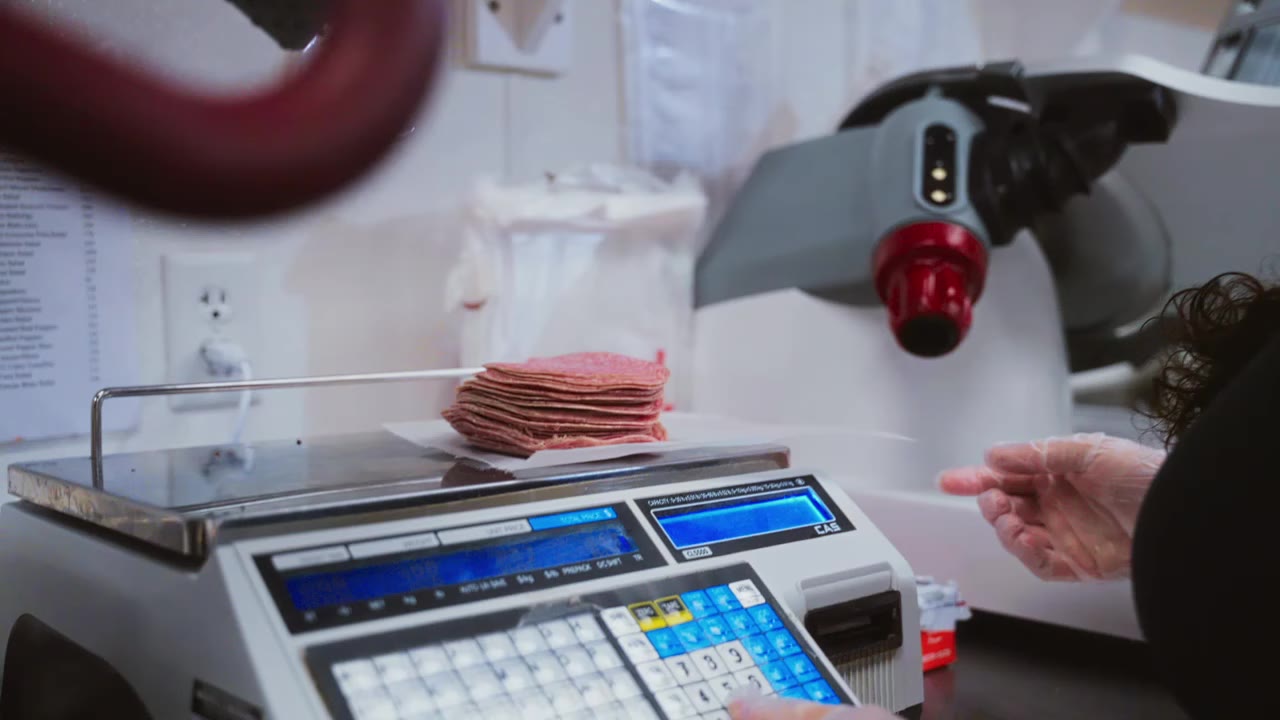
  • Deli scale

    Deli scale weighing sliced meat

    Keep deli prices in sync

    Weigh items at the deli and print barcode labels to scan at checkout, with prices synced to your CAS scales for fewer pricing mistakes.

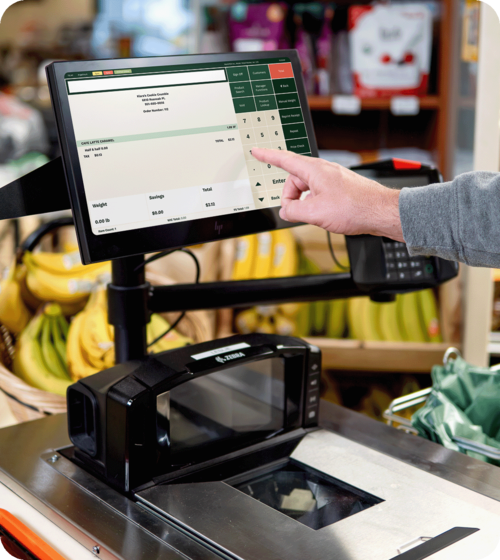
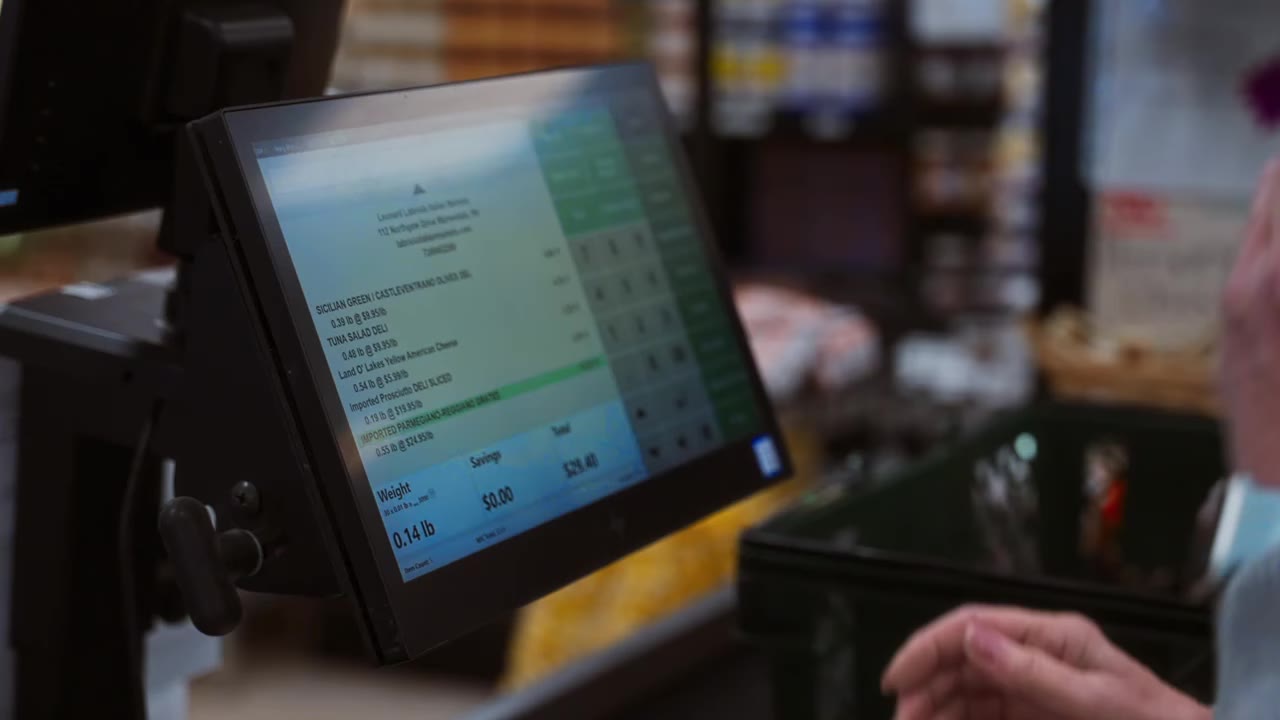
  • Touchscreen terminal

    Cashier using the IT Retail touchscreen

    Ring up sales fast

    Ring up sales on a fast touchscreen set up with the buttons your cashiers use most.

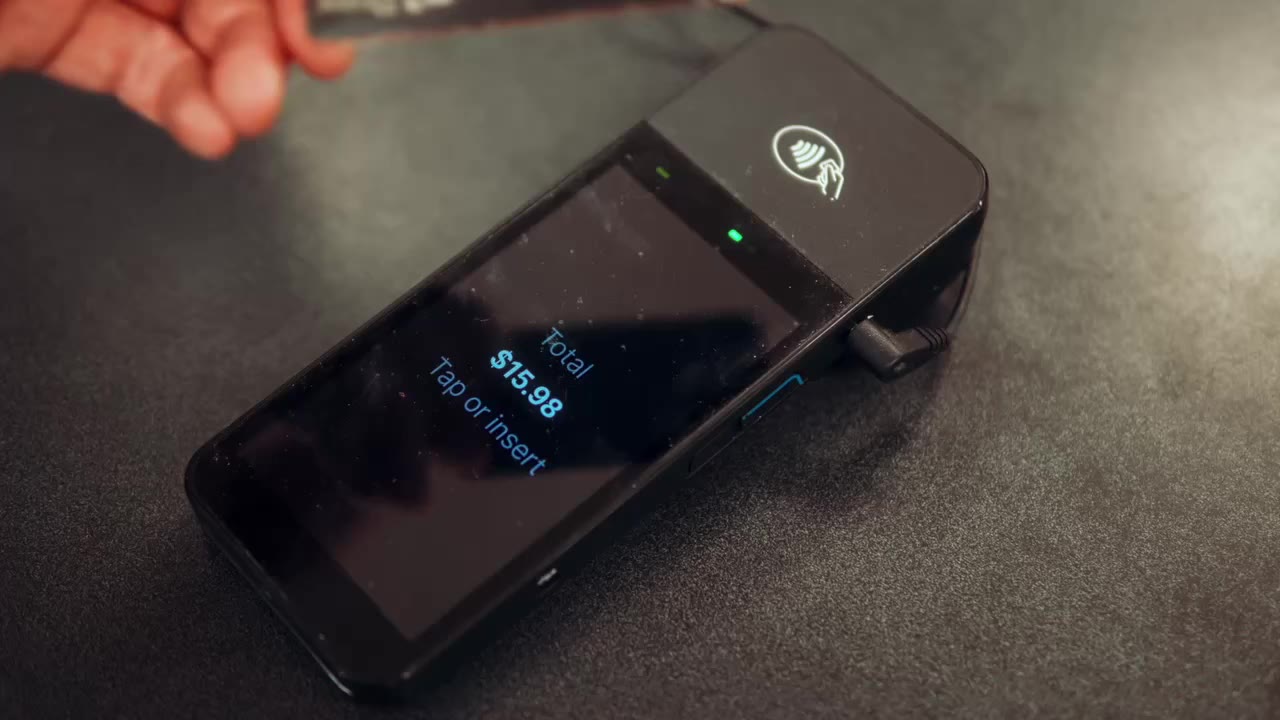
  • PIN pad

    Customer tapping a card on a card reader

    Take every payment

    Take EBT, tap-to-pay, chip cards, and swipes on one PIN pad connected to your register.

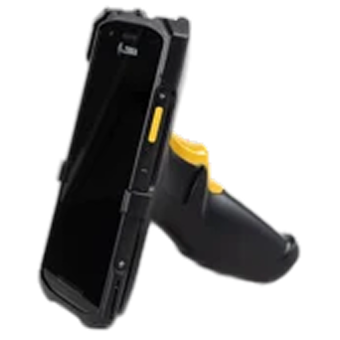
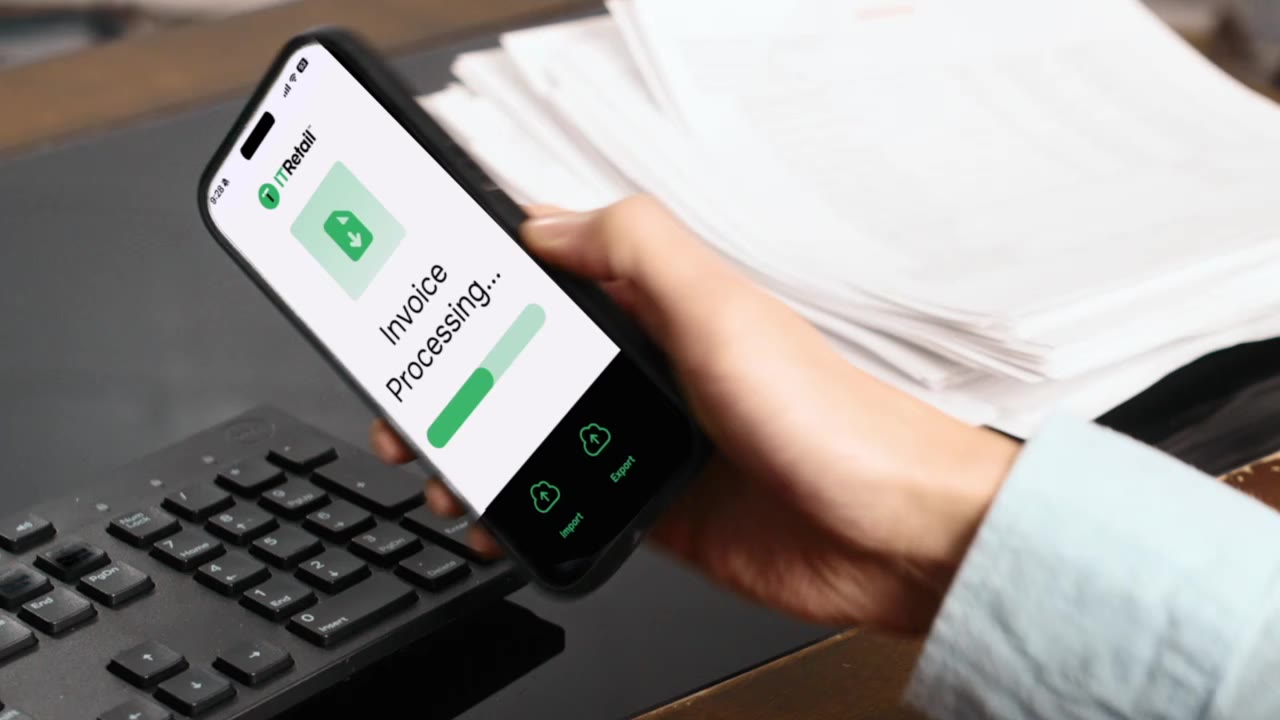
  • Mobile inventory device

    IT Retail app on a phone

    Manage stock from the aisle

    Count stock, receive deliveries, and update prices from a Zebra handheld or your own phone without leaving the sales floor.

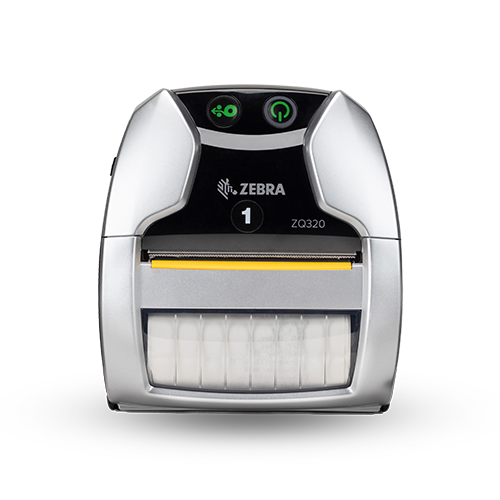
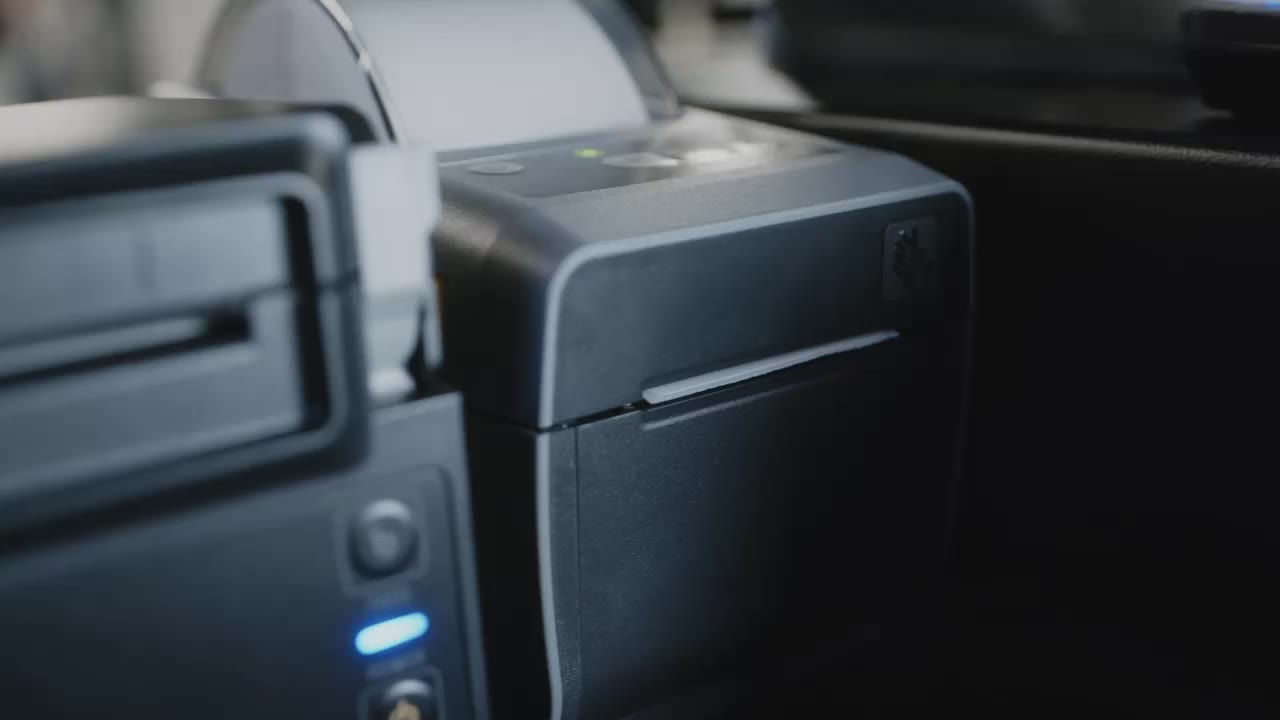
  • Label printer

    Label printer

    Print labels where you work

    Print shelf labels in the back office or the aisle with a Zebra label printer, or skip printing with electronic shelf labels.

  • Receipt printer

    Thermal receipt printer

    Print receipts at every lane

    A thermal receipt printer at each register prints a clean receipt for every sale.

deli scale(1)

Deli scale

Weigh an item, enter the PLU, and print a barcode label your cashiers scan at checkout. IT Retail connects directly to CAS deli scales, so price changes in your back office reach the scale within minutes. Your deli team types less, and your sales and inventory records stay accurate.

Scanner-Scale (2)

Scanner scale

Scan packaged groceries and weigh produce in the same spot. Zebra and Datalogic scanner scales read barcodes on the first scan and send weights straight to IT Retail, so cashiers never key in a weight by hand and lines keep moving.

inventory device

Mobile inventory device

Count stock, receive deliveries, and change prices from the sales floor with a Zebra Android handheld. Pair it with a Zebra mobile label printer to print shelf labels right where you stand. Working with a tighter budget? You can also use your own mobile device.

Zebra Mobile Printer

Label printing options

Print shelf labels from a printer in your back office, print them in the aisle with a mobile label printer, or skip printing altogether with electronic shelf labels. Pick the setup that fits how often your prices change.

icon-a

Touchscreen terminal

Ring up sales on a fast touchscreen set up with the buttons your cashiers use most.

icon-1

PIN pad

Take EBT, tap-to-pay, chip cards, and swipes on one PIN pad connected to your register.

icon-d

Barcode scanner

Pick a Bluetooth, presentation-style, or age verification scanner for each of your lanes.

Markt - Customer facing display icon

Customer display

Show shoppers each item and their running total as it rings up on an LCD or dot matrix display.

icon-b-3

Cash drawer

Keep cash secure and organized with a heavy-duty drawer built to handle a full day of sales.

icon-b-1

Shelf label printer

Print shelf tags with clear barcodes and prices that hold up in the cooler and on busy shelves.

icon

Electronic shelf labels

Change prices across the whole store from your back office, without printing or hanging a single tag.

icon-2

Self-checkout station

Turn an existing lane into self-checkout, or add a dedicated station for shoppers.

Markt - mounting solutions icon

Mounts and stands

Mount your hardware on a pole, a VESA mount, or a custom setup that fits your counter space.

Hardware support from day one

Hardware setup is easier than you might think, especially with onboarding support included from IT Retail.

Your Customer Success Manager will help you set up your touchscreen and get your scanners, scales, and printers. And once you’re up and running, our support team is available 24/7.

Markt POS Self Checkout 1


How IT Retail's POS
helps grocers compete

IT Retail helps thousands of specialty and international markets compete with big-box grocery retailers. Our
customers notice faster checkout, smoother inventory management, and more flexibility with our cloud solution.

Roy Marden

Captain Marden's Seafoods

Nisha Patel

IGA Fresh Market

Ivan Aguilar

Pantera Market

Dan Joseph

New Deal Fish Market

Charlie Bougas

Broadway Marketplace

Alisa Nazaro

The Market Al Fresca

Joseph Previte Jr.

Previte's Marketplace

Zack Wright

Market of Choice

FAQs: Grocery POS hardware

Expand allCollapse all
Can I use my existing POS hardware with IT Retail?

In many cases, yes. Our team will look at the equipment you have now, check which pieces work with IT Retail, and help you decide what to keep and what to replace.

How long does it take to set up grocery POS hardware?

Plugging in your hardware and connecting it to Wi-Fi only takes a few minutes. Your Customer Success Manager then schedules the rest of your setup and training around your store, so everything’s ready before your first day on IT Retail.

How quickly does IT Retail ship POS hardware?
We'll ship your hardware within one business day of your order.
What happens if my hardware stops working?
Call our support team any time, day or night. 24/7 support is included at no extra cost, so you can get your hardware back up and running quickly.
How much does grocery POS hardware cost?

It depends on how many lanes you run and which equipment you need. Use our Build and Price tool to get a custom quote for your store.

Get your hardware questions answered

Schedule a live, personalized demo with one of our grocery store experts to see both our hardware and software in action.